

Beauty distributors often manage two connected but separate workflows: the sale at the counter and the inventory, account, and fulfillment work behind it. When those workflows do not share current information, staff may spend time checking stock, correcting orders, or reconciling sales instead of serving customers.
Schedule a Demonstration of BeautyServ ERP today to see how a connected POS and inventory workflow can fit your beauty distribution operation.
Beauty retail POS integration connects checkout activity with the ERP system so sales, inventory, customer accounts, pricing, and reporting stay aligned. For a beauty distributor, that can mean more dependable stock visibility across locations, fewer manual updates, and a clearer way to serve both professional stylists and retail buyers.
QBC Systems has served wholesale distributors since 1978 and approaches this work as a complete technology partnership, not a standalone software installation. Its BeautyServ ERP is designed around the practical needs of beauty supply operations, including specialized pricing and stylist account tracking. The next step is to look at what the connection between POS and ERP actually includes, and where it affects daily work.
What Is Beauty Retail POS Integration?
Beauty retail POS integration connects the checkout system at the counter with the back-end ERP and inventory system. Point-of-sale transactions update stock, pricing, customer accounts, and reporting in one shared record, so sales activity and back-office operations stay aligned.
QBC Systems defines beauty retail POS integration as the connection between the point-of-sale system used at the storefront and the back-end ERP and inventory system that manages the business. The integrated setup carries transaction details into the operational system where inventory, pricing. Customer accounts, and reporting are maintained, rather than treating each sale as an isolated checkout event.
That connection matters when a distributor or retailer sells from more than one location, carries a broad product assortment, or serves both professional stylists and walk-in customers. A sale at one counter should reduce the available quantity in the shared inventory record. A transfer, return, or price change should also be visible to the people who need that information. Whether they work at another store, in the warehouse, or in the office.
What the integration connects
- POS transactions: Items sold, returned, or held at the storefront.
- Inventory records: On-hand quantities, adjustments, transfers, and stock visibility across locations.
- Pricing: Approved customer pricing, promotions, and other rules used at checkout.
- Customer accounts: Account details and purchase activity needed for professional and retail customers.
With these areas working from the same operational data. Managers can make decisions using a current view of stock rather than waiting for a manual update at the end of the day. Integrated ERP and POS systems support real-time inventory tracking across locations, helping businesses avoid overselling products that have already been purchased elsewhere. They can also keep pricing and promotions aligned as changes are made, which reduces the chance that the register and the back office tell different stories.
For beauty distributors, integration is broader than connecting a payment terminal to a catalog. It is about giving the front counter and the back office a shared process. Staff can check what is available, complete the sale, and leave an accurate record for replenishment and reporting. Leaders can then review sales and inventory activity without stitching together exports from separate systems.
QBC Systems takes this approach through BeautyServ ERP, which is designed to bridge front-end POS activity with back-end distribution operations. Businesses evaluating the process can also review this salon inventory management integration guide to see how inventory and point-of-sale workflows fit together in a beauty-focused environment.
Why Do Beauty Distributors Outgrow Disconnected POS Systems?
Disconnected POS and inventory tools create gaps as a beauty business adds locations and customer types. Sales recorded at the counter do not update the warehouse and the other stores, which leads to overselling, manual errors, delayed reports, and inconsistent stock across locations.
QBC Systems sees disconnected POS and inventory tools become a problem when beauty distributors add locations. Carry more product variations, or serve both professional stylists and walk-in retail customers. A sales transaction may be recorded at the counter, while the warehouse, purchasing team, and other stores continue working from older information. The result is not just an inconvenience; it affects customer service, replenishment decisions, and the accuracy of daily operations.
When front-end sales data is separated from back-end inventory records, warehouse and store teams often spend time comparing exports. Checking spreadsheets, or calling another location before promising that an item is available. Those workarounds create several recurring pains:
- Overselling: A product can be sold at one location after another channel has already committed the same available units.
- Out-of-stock surprises: Staff may see an item listed as available even though the physical count has already changed.
- Manual data entry errors: Re-keying sales, returns, transfers, and adjustments increases the chance of incorrect quantities or product details.
- Delayed reports: Managers may wait for files to be exported, cleaned, and combined before reviewing sales or inventory activity.
- Inconsistent stock across locations: Each store or warehouse can end up with a different view of what is on hand, reserved, in transit, or available to sell.
| Operational area | Disconnected POS + ERP | Integrated ERP + POS |
|---|---|---|
| Stock visibility | Each location works from its own record | One shared, real-time inventory view |
| Sales updates | Re-keyed or exported after the fact | Recorded at checkout, updated automatically |
| Pricing and promotions | Separate lists that can fall out of sync | One set of rules used by every register |
| Reporting | Files combined and cleaned by hand | Sales and inventory activity in one view |
Why these gaps affect warehouse decisions
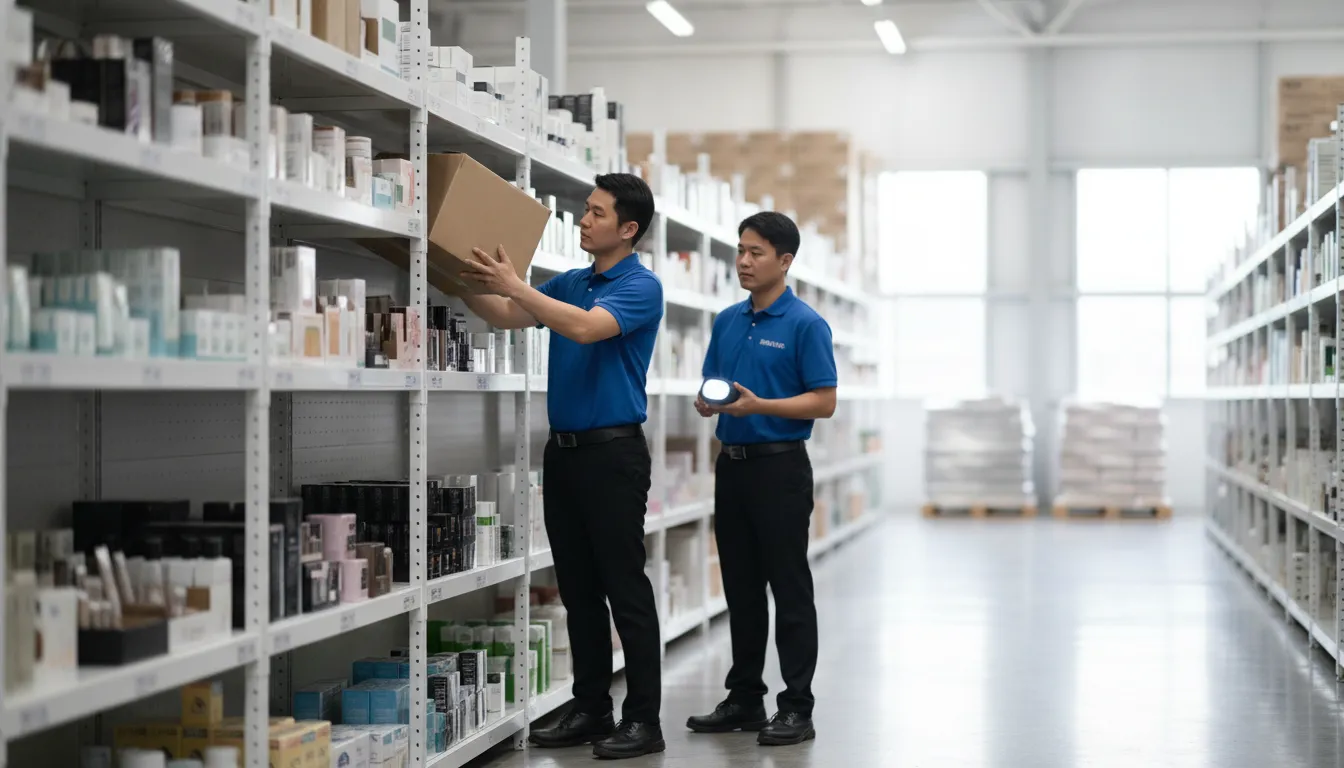
Inventory teams need dependable information to decide what to reorder, where to transfer products, and which items require attention. If the POS system and inventory records do not update together, a reorder may arrive after a missed sale. Or a location may carry excess stock while another store cannot fulfill demand. Manual processes also make it harder to trace whether a discrepancy came from a sale, return, transfer, or counting adjustment.
Why adding locations increases the pressure
One disconnected register may be manageable when a business is small. The same setup becomes harder to control as locations multiply. Each additional store introduces more transactions, product movements, pricing changes, and reports to reconcile. An integrated ERP and POS approach gives teams a shared operational record, with sales and inventory activity connected instead of maintained in separate silos. That supports more consistent stock visibility and reduces the need for workarounds across locations.
For a broader look at the operational requirements, see QBC Systems' Beauty Supply Wholesale and Retail ERP Solutions guide and its overview of salon inventory management system integration.
How QBC Systems Delivers Beauty Retail POS Integration with BeautyServ
QBC Systems connects the counter, the salon account, and the inventory operation through BeautyServ ERP. Instead of treating retail sales and wholesale distribution as separate processes, BeautyServ brings the information into one operating system. That gives beauty supply businesses a practical way to serve professional stylists and walk-in retail customers while keeping product, pricing, and account details organized.
Master Account System for Stylists
Salons and stylists often need purchasing records that are more specific than a standard retail receipt. BeautyServ's Master Account System tracks stylist-level purchases within salons, so staff can associate buying activity with the right professional account. This supports more accurate account management when several stylists purchase through one salon location.
For managers, the benefit is a clearer connection between the sale and the customer relationship behind it. Staff can spend less time sorting transactions after the fact and more time handling orders, account questions, and daily service. The same account-centered approach can also support more consistent follow-up across locations or sales channels. For a broader look at the operational requirements behind these systems, review QBC Systems' Beauty Supply Wholesale and Retail ERP Solutions guide.
QicScan and Pricing Matrices
Fast item lookup matters in a busy beauty supply environment, particularly when employees are helping customers at the counter or preparing an order. BeautyServ includes QicScan item lookup to help staff identify products efficiently. It also uses specialized pricing matrices for businesses that sell to both professional stylists and retail customers.
Those pricing needs are not identical. A professional buyer may have an account-specific price, while a retail customer may purchase the same product under standard store pricing. Applying the appropriate matrix within the system helps staff use the right pricing rules without relying on separate spreadsheets or manual calculations. It also gives managers a more dependable foundation for reviewing sales and maintaining pricing consistency.
One System, No Middleware
BeautyServ takes an integrated approach by bridging front-end POS activity with back-end inventory in one system. That removes the need for third-party middleware between the selling process and the ERP. Sales can remain connected to the inventory and account information that operational teams depend on, rather than waiting for separate systems to exchange data.
This structure can simplify the technology environment for a distributor or retailer. There are fewer system handoffs to monitor, fewer integration points to troubleshoot, and one primary platform for staff training and support. QBC Systems can help businesses evaluate how these capabilities fit their workflows, from stylist account management to product lookup and retail checkout.
Case Study: A Multi-Location Beauty Supply Distributor
QBC Systems can help a typical multi-location beauty supply distributor replace disconnected store records with one operating view. Consider a distributor with three storefronts, a central warehouse, and a sales team that serves both walk-in shoppers and professional customers. This is an illustrative scenario, not a claim about a specific QBC customer.
The morning stock check starts with one system
Before integration, each store may count inventory separately or wait for end-of-day files to reach the warehouse team. That creates uncertainty around fast-moving items such as hair color, extensions, and salon supplies. A customer at Store A can purchase the last unit while Store B still shows the item as available. Staff may then promise an order that cannot be filled, or place an unnecessary replenishment order.
With an integrated ERP and POS, every sale updates the shared inventory record as it happens. A purchase at any storefront reduces the available quantity used by the warehouse and the other locations. Managers can check the same stock position when answering a customer, transferring product between stores, or preparing a replenishment order. Real-time inventory tracking across locations helps prevent overselling and keeps stock information consistent across every store.
Pricing and promotions stay aligned
Now suppose the distributor runs a weekend promotion on selected retail products. In a disconnected setup, a manager might update one register, send a message to another store, and ask the warehouse team to change a separate list. A missed update can create checkout corrections, customer confusion, and extra work for supervisors.
In the integrated scenario, the pricing or promotion change is maintained in the central system and made available to each connected POS. Staff at all three locations work from the same rules instead of relying on manual updates. Online shopping is already a growing share of health and personal care retail in the United States. Which makes omnichannel services such as buy online and pick up at a selected location worth planning for when they fit the distributor's workflow. Reliable connections between the register and the inventory system are part of what lets those services run without surprising a customer or overpromising stock.
For the operations manager, the practical result is less time reconciling spreadsheets and more confidence in decisions. The distributor can review sales by location, see where stock is moving, and coordinate warehouse activity without asking each store to produce a separate version of the truth. QBC Systems' BeautyServ ERP is designed for this type of beauty distribution environment, with the software, implementation, training, and support needed to put the process into daily use.
Case Study: Serving Professional Stylists and Retail Customers Together
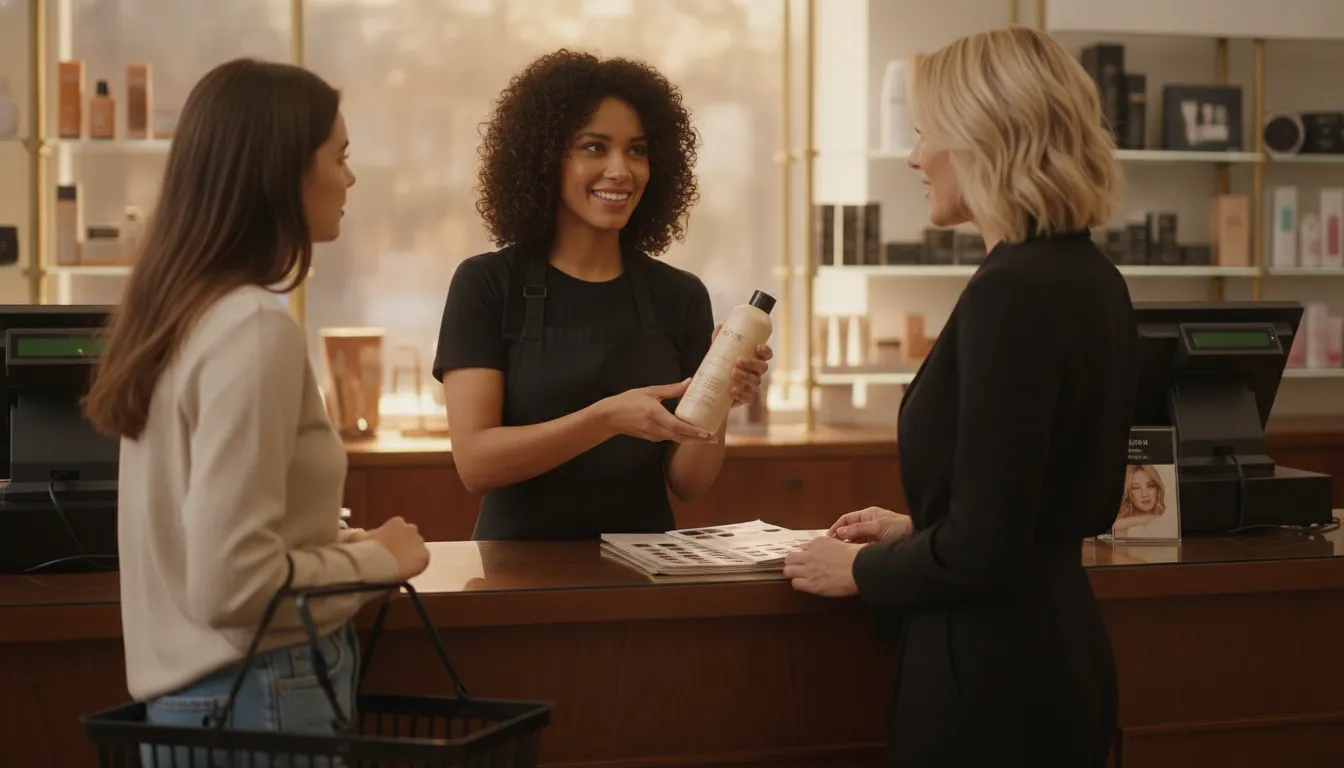
QBC Systems designed BeautyServ for the practical challenge of serving two customer types from the same beauty distribution operation. Consider a representative distributor with a warehouse, a trade counter, and several salon customers. Professional stylists purchase products for use in their salons, while walk-in retail customers buy individual items at the counter. The business needs both sales streams to remain separate where necessary and connected where it matters.
Keeping stylist purchases tied to the right salon
In this scenario, each salon has a master account, with individual stylists associated with that account. When a stylist places an order or makes a purchase, the distributor can record who made the purchase without losing the connection to the salon's overall buying activity. The Master Account System tracks stylist-level purchases within salons, giving staff a clearer view of account activity than a single undifferentiated customer record.
That distinction helps with routine work. A counter employee can confirm whether a product was purchased for a specific stylist. An account manager can review buying patterns by salon, and the distributor can keep professional account transactions separate from ordinary retail sales. For a closer look at this workflow, see QBC Systems' stylist account management software features.
Using retail POS for walk-in transactions
The same operation can use the retail POS for a customer who walks in and buys shampoo, color, tools, or other products without a professional account. The sale is processed at the point of purchase, but the transaction still updates the business's back-end inventory. Staff do not need to move the sale into a separate system later or reconcile two unrelated product records at the end of the day.
This arrangement also gives managers a more useful daily picture. Professional account purchases and retail transactions can be reviewed according to how the business actually sells, while inventory remains connected to the same item records. The goal is not to force every customer into one sales process. It is to make the different processes work from one operational foundation.
Separating pricing without creating confusion
Professional stylists and retail customers may not receive the same pricing, and staff should not have to memorize every exception. BeautyServ includes QicScan item lookup and specialized pricing matrices to support sales to both groups. An employee can identify the item, select or confirm the appropriate customer account, and apply the pricing rules associated with that customer type.
For the distributor in this example, that means fewer opportunities to use the wrong price or attach a sale to the wrong account. QBC Systems' integrated approach bridges front-end POS activity and back-end inventory in one system instead of relying on third-party middleware. The result is a workflow that fits the counter, the warehouse, and the account desk without asking staff to maintain duplicate information.
What to Look For When You Evaluate Beauty Retail POS Integration
Evaluate the operational connection between your point-of-sale system and ERP, not just the checkout screen. Look for real-time inventory across locations, omnichannel support, pricing matrices for professional and retail customers, and practical help with implementation, training, and ongoing support.
QBC Systems recommends evaluating the operational connection between your point-of-sale system and your ERP, not just the checkout screen. The right setup should give staff dependable inventory information, support the way customers buy today, handle different customer types, and come with practical help during implementation.
Use the following checklist when comparing an integrated POS and ERP for a beauty distributor or retailer.
- Real-time inventory across locations. Confirm that sales, receipts, transfers, and adjustments update inventory without a manual re-entry step. Managers should be able to see what is available at each store, warehouse, or branch before promising an item to a customer. Real-time visibility helps reduce overselling and gives purchasing staff a more reliable basis for replenishment. Ask how the system handles stock transfers, reserved items, returns, and inventory corrections, since these details often determine whether the data remains trustworthy during a busy day.
- Omnichannel purchasing and pickup. If your business sells through more than one channel, ask whether the system can support online ordering and buy-online-pickup-in-store workflows. A customer should not be offered pickup for an item that has already sold at another location. The POS and ERP should share current product, location, order, and fulfillment information so employees can act on the same record. Review how the system manages substitutions, partial fulfillment, cancellations, and customer notifications before treating omnichannel capability as complete.
- Pricing matrices for professional and retail customers. Beauty distributors frequently serve professional stylists, salons, and general retail buyers with different purchasing arrangements. Look for customer-specific pricing, account rules, discounts, and product access that staff can apply consistently at checkout. QBC Systems' BeautyServ includes QicScan item lookup and specialized pricing matrices for selling to both professional stylists and retail customers. That structure can reduce checkout confusion while preserving the account relationships behind salon and stylist purchasing.
- Implementation, training, and ongoing support. Ask who maps your products, customers, pricing, locations, and workflows into the new system. Confirm what training is provided for cashiers, warehouse staff, managers, and administrators, and how support handles issues after launch. A technically capable platform still creates disruption if employees are left to interpret it on their own. Look for a partner that can explain the rollout plan in operational terms, including data preparation, testing, go-live support, and follow-up training.
The Value of a Full-Service Partner
QBC Systems has served wholesale distributors since 1978 and supports more than software alone. Its integrated ERP approach connects front-end POS activity with back-end inventory in one system, without requiring third-party middleware to bridge the two. That full-service model also includes implementation, training, technical support, hardware, networking, and managed IT services.
For background on the broader requirements, review the Beauty Supply Wholesale and Retail ERP Solutions guide and the overview of salon inventory management system integration. When you are ready to discuss your locations, customer types, and workflow, contact QBC Systems for a consultation.
Contact QBC Systems for a Free Consultation to review your locations, customer types, and current workflows with a beauty distribution ERP specialist.
Frequently Asked Questions
What is beauty retail POS integration?
Beauty retail POS integration connects the checkout system used by store staff with the back-end ERP, inventory, customer account, and reporting functions. Instead of re-entering sales manually, the business can use one flow for recording transactions, updating stock, applying the correct pricing, and reviewing operational data.
Can a POS system replace an ERP for a beauty distributor?
A POS system handles transactions at the point of sale, but it does not cover purchasing, warehouse operations, distributor pricing, account management, or broader inventory controls. A connected ERP and POS approach gives a beauty distributor a shared operational system rather than asking the checkout tool to manage every back-office process.
How does BeautyServ support both stylist accounts and retail sales?
BeautyServ includes a Master Account System that tracks stylist-level purchases within salons. It also uses QicScan for item lookup and specialized pricing matrices, helping staff serve professional stylists and retail customers while applying the appropriate account and product pricing.
Does an integrated system require third-party middleware?
Not necessarily. BeautyServ uses an integrated ERP approach that bridges front-end POS and back-end inventory in one system, eliminating the need for third-party middleware between those functions. During an evaluation, ask how product data, stock changes, pricing, and sales records move between the systems you plan to use.
Ready to See BeautyServ in Action?
QBC Systems can help you evaluate how an integrated ERP and POS approach may fit your beauty distribution and retail operations. A demonstration gives your team a practical way to review inventory visibility, customer account handling, pricing, and day-to-day workflows in one conversation. Schedule a Demonstration of BeautyServ ERP by calling QBC Systems at (716) 691-5201. The team can answer your questions and discuss the next steps.























































