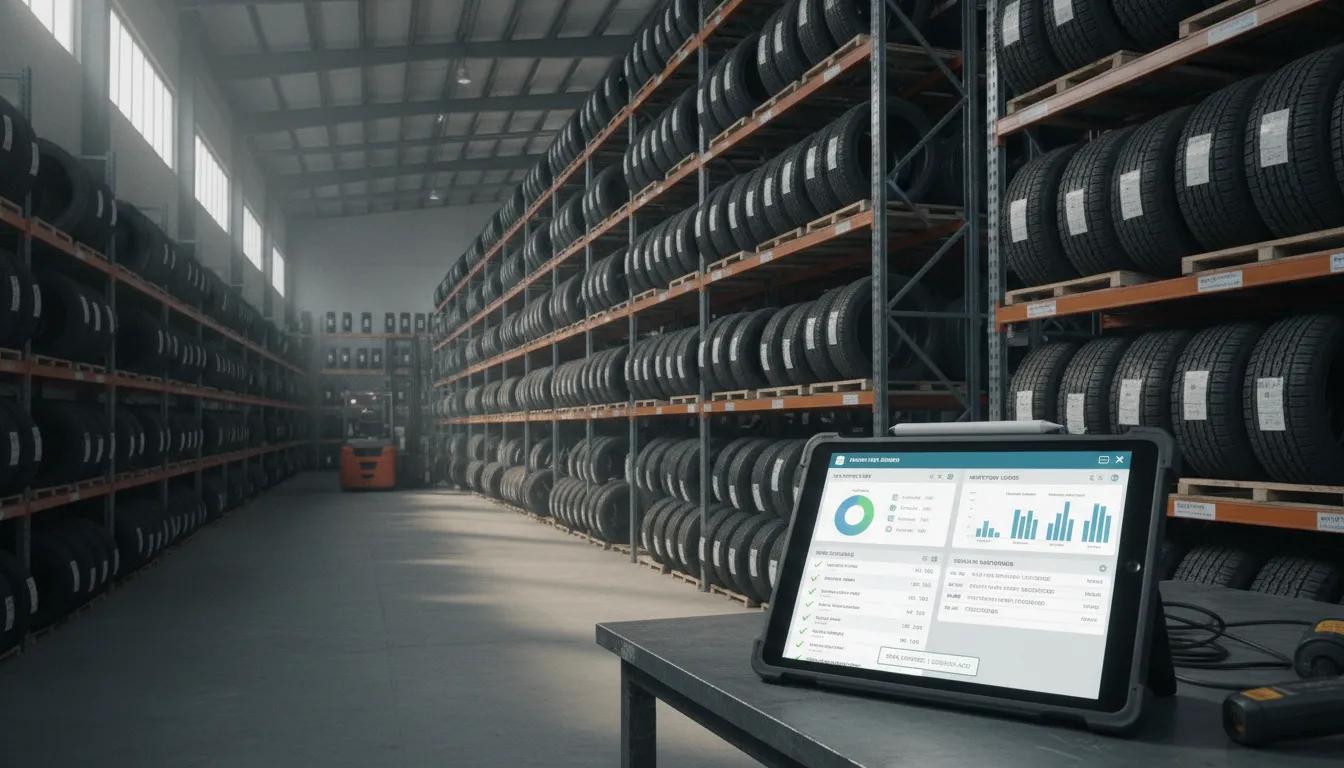
Managing a tire wholesale business often feels like a battle against split stock and sales data. You need a system that talks to your partners without manual entry errors.
A tire dealer pos integration is a digital bridge. It connects stock and business software with sales systems to allow for real-time updates on stock levels and pricing across many shops. By linking data between the warehouse and the dealer, shops can end manual entry and reduce errors. This ensures that the warehouse stock levels change at once. For wholesalers who have used manual updates for years, this shift improves order accuracy and strengthens dealer trust. QBC Systems has offered these expert business solutions and TireServ ERP modules to the wholesale industry since 1978. Our team works with small to mid-sized distributors to build full-service technology plans that include software, training, and managed IT support. Schedule a Demonstration with QBC Systems
Moving from manual work to a digital setup needs a clear view of how these systems work. Many business owners want to know the best way to start. To help you check your options, we will first explore What Is Tire Dealer POS Integration and Why Does It Matter? The path begins with.
What Is Tire Dealer POS Integration and Why Does It Matter?
Tire dealer POS integration is the link between your front-counter sales tools and your back-office systems. It allows data to flow freely between your point-of-sale software and your main business database. For multi-location distributors, this connection is vital to keep work smooth. Without it, your sales staff and warehouse teams may work with different sets of numbers. This often leads to costly mistakes.
Connecting Sales and Operations
At its core, integration means your sales counter and your accounting office share the same data in real time. When a dealer buys a set of tires at the counter, the system updates your stock levels and financial records at once. This process removes the need for staff to enter the same data twice. It reduces human error and ensures that your books always match the physical stock on your shelves.
Modern tire distribution is a fast-paced field where being right is key. Many businesses in this sector have relied on the same tools for decades. In fact, QBC Systems has provided expert ERP software solutions to distributors since 1978. Over these 48 years, we have seen how a unified system can prevent the data gaps that slow down growth.
Why Accuracy Matters for Distributors
Stock exactness is the biggest benefit of a tight integration. If your sales system does not talk to your warehouse records, you risk selling stock that you do not have. For a distributor with many sites, this can cause big delays. A linked system gives you a clear view of all customer orders and stock levels across every site you manage. This view helps you make better choices about where to move products and when to restock.
The market is changing quickly, and many companies are updating their tools. About 92% of distributors already use some form of enterprise resource planning tool. As these firms look to improve, cloud-based systems are becoming the standard choice. Industry data shows that cloud adoption is growing at a rate of about 21% each year. To learn more about how these systems work, you can read our guide to ERP software.
Improving the Customer Experience
Integration also improves how you serve your customers. When your POS and ERP systems are linked, your team can see a client’s full history from any screen. This includes past orders, price levels, and credit status. Giving fast and correct answers at the counter builds trust. It keeps dealers coming back to your warehouse. A smooth flow of data ensures that your business stays strong in a more digital industry.
Key Features to Look for in a Tire Dealer POS System
Choosing the right TireServ distribution ERP software starts with finding a point of sale (POS) system that handles more than just cash. In the tire industry, a counter tool must manage complex data, from tire sizes to wheel specs. A good system links your front counter directly to your back-office data in real time.
Real-Time Inventory and Warehouse Sync
Tire dealers often pull stock from multiple spots or local warehouses. Your POS should show live stock levels for every bin and store to prevent missed sales. This helps counter staff give customers accurate delivery times. Integrated systems use a single database, like MySQL, to keep all parts of your business in sync as sales happen. For more on these setups, see our guide to ERP software.
Job Ticket and Split Payment Tools
Most tire sales involve more than a simple product swap. A POS should track job tickets that include labor, parts, and shop fees. Customers might also need to split a bill between cash and card or across multiple people. Tools from Simpay and other firms now allow for these split payments and clear ticket tracking. This keeps the checkout fast even when the service is complex.
Integrated AR and Financial Reporting
A POS is only as strong as the reports it creates. You need a system that offers many views of your data, such as the 150 standard reports found in TireServ. This should include accounts receivable (AR) tools to track customer credit and aged balances right at the counter. Having these stats ready helps managers find trends and fix cash flow issues fast. Industry data from the NIST suggests that clear data standards help small firms manage growth better.
Standalone POS vs. Integrated ERP: What Tire Distributors Need to Know
Most tire shops start with a basic tool to ring up sales and track stock. These tools are often called standalone Point of Sale (POS) systems. While they work well for a single shop, they often fall short when a business grows. Large distributors need more than just a cash drawer. They need a way to link sales, bulk buys, and accounting across many sites.
Small shops and standalone tools
Standalone systems like HITS BPOS or Torque360 are built for the front counter. They help staff book appointments, give quotes, and take payments from walk-in customers. These tools are great for small teams that focus on retail service. They often include shop management features like digital vehicle inspections and job scheduling. But these systems can create data silos for a distributor who moves thousands of tires a month. If your POS does not talk to your main office, you may find yourself typing the same data twice.
The power of integrated ERP
An integrated Enterprise Resource Planning (ERP) system like TireServ brings every part of the business together. It does not just track a sale; it updates inventory in real-time across multiple warehouses. This is vital because 92% of distributors already use an ERP system to stay competitive in a replacement-driven market. According to the National Institute of Standards and Technology (NIST), using unified data systems helps reduce errors and improves supply chain speed. Our ERP software solutions give you one source of truth for your whole team.
Choosing the right fit
When you look for a tire dealer pos integration, think about your long-term goals. If you plan to add more locations or start a wholesale arm, a standalone tool might hold you back. An ERP with a built-in POS module handles high-volume orders and complex shipping rules that retail tools miss. This unified approach is why many firms choose a full-service partner for their tech needs. The following table compares these two paths to help you decide which fits your current scale.
| Feature | Standalone POS | Integrated ERP |
|---|---|---|
| Primary Focus | Retail sales and service | Multi-site distribution |
| Inventory View | Single shop or limited sync | Real-time multi-warehouse |
| Purchasing | Manual or basic reordering | Automated bulk procurement |
| Reporting | Sales and shop health | 150+ standard business reports |
| IT Support | Self-serve or per-call | Full-service managed IT |
Why TireServ ERP Is Built for Tire Distribution POS Integration
The TireServ ERP system has a core tool for tire dealer pos integration. This tool links your front counter to your back-office data. Most shop software is made for retail only. But TireServ is built for the tire world. It handles the needs of tire shops and warehouse hubs. You can track every job from start to finish. This includes sales of tires, shop labor, and auto parts.
Fast cloud access with MySQL
Speed is a top goal for any tire dealer. TireServ runs on a cloud-based setup with a MySQL database. This tech is very fast. It allows the system to manage many tire types without any lag. Staff can reach the system through a web browser. You do not need to buy and keep big servers at your shop. The National Institute of Standards and Technology defines cloud systems by their broad network access and rapid growth. Since TireServ is cloud-based, it can grow as your business adds new sites.
Field sales and client portals
Tire sellers need to help their staff on the road. TireServ has a mobile app and a web portal for your clients. Sales reps can check stock and book orders from their phones while they talk to customers. The web portal lets your clients buy tires at any hour. This setup keeps your stock counts right in real time. It stops the risk of two people selling the same set of tires. Your team always knows exactly what is in the warehouse.
Data tools for shop control
Good data helps you run a better business. TireServ gives you 150 standard reports to help you track your wins. These tools show you where you make money and where you lose it. You can track:
- Sales by tire brand and size.
- Shop sales for each site.
- Labor and parts use for each job.
- Stock levels across all warehouses.
QBC Systems has served the tire field since 1978. They know that software is just one part of the job. Their team gives you full help. This includes setting up your ERP software solutions, training your staff, and picking out the right gear. They even offer managed IT tools to keep your shop safe.
Why 48 years of work matters
Trust is key when you pick a partner for your tech. QBC Systems has a 48-year track record in the sales field. They have helped many tire dealers move from old paper files to modern cloud tools. They do not just sell a license and walk away. They work with you to make sure the POS link fits your shop needs. Their deep knowledge of tire sales means they know the issues you face every day. This helps them build tools that solve real problems in the warehouse and at the sales counter.
How to Evaluate a Tire Dealer POS Integration Solution
Selecting the right tire dealer pos integration requires a clear plan. You must find a tool that fits your current workflow while allowing for future growth. About 92% of distributors already use an ERP system, according to industry data from QBC Systems. Most shops want to replace old tools with better ones. Following a set process helps you avoid errors and ensures you get a tool that works for your team.
Assess System Compatibility
The first step is to check if a new tool will work with what you have. You need to know if the software can connect with your current inventory and accounting data. Many modern solutions, such as TireServ ERP, use a MySQL database. This type of open-source architecture makes it easier to sync data across different platforms. Before you buy, ask if the solution is browser-based so your staff can access it from any device in the shop.
Define Core Features
You should make a list of features your shop needs every day. Focus on tools like real-time inventory tracking, job tickets, and split payments. It is helpful to look for a solution that offers more than just a basic checkout screen. For example, some tools provide over 150 standard reports to help you track sales and stock. You can learn more about these tools in our guide to ERP software which covers how deep data integration helps your business.
Review the Setup Process
A good tire dealer pos integration should come with expert help for setup. Since QBC Systems has served the industry since 1978, we know that software alone is not enough. You need a partner that provides a full-service model including hardware and staff training. This ensures your team knows how to use the new system from day one. You should also check if the provider offers ongoing tech support to handle any issues that may arise during your busy season.
- Audit current systems: List all hardware and software you use now to find any gaps.
- Set a feature list: Pick the most vital tools your staff needs to work fast.
- Plan for growth: Ensure the software can handle more stores or more stock as you grow.
- Check support options: Look for a provider that gives you training and live help.
- Schedule a demonstration: See the software in action to confirm it meets your needs.
Frequently Asked Questions
How do POS links benefit tire dealers?
Linking your sales desk to a central system helps you track stock and sales at once. This setup stops errors from typing data twice. Based on a product guide, these tools give you more than 150 reports to help you see how your shop runs. You can manage many store sites from one screen. This makes it easy to fill orders fast and keep stock counts right.
What is the best software for tire shop tasks?
The right choice depends on how big your business is. Small shops often use tools like HITS BPOS for daily tasks. Large sellers need a full system like TireServ to handle more sales and stock. Market data shows that most sellers use a deep system to manage many parts. You should look for a cloud tool that works in a web browser. This keeps your team on the same page from any place.
Can a tire dealer POS link with current ERP software?
Yes, many tools let you link your current sales desk with your main business system. Some platforms can connect dozens of sales and tracking systems at once. A direct link is often best because it syncs data without any delay. This helps you avoid split files and keeps your books clean. Based on QBC Systems, using one system for sales and book work can make your daily tasks much faster.
How do I choose between a lone POS and a full ERP?
Simple tools are great for single tire shops that only need to track daily sales. If you have many sites or sell to other stores, a full system is a better fit. These systems bring sales, stock, and money tasks into one place. Based on expert guides, this helps large sellers grow without losing track of their items. Pick the tool that fits the number of store sites you run now.
Are you ready to integrate your tire dealer POS with TireServ?
Using sales tools that do not talk to each other creates data gaps. These gaps lead to lost sales and inventory errors every single day of the year. You can fix these slow tasks now and give your team the clear tools they need to manage orders across all your shop sites.
Are you ready to schedule a demonstration of TireServ ERP today? Waiting to sync your point of sale makes it much harder to compete with other tire dealers who use real-time sync in their shops. Call (716) 691-5201 to talk to our team today and see how our tire tools can help you grow your sales and stay profitable.
